
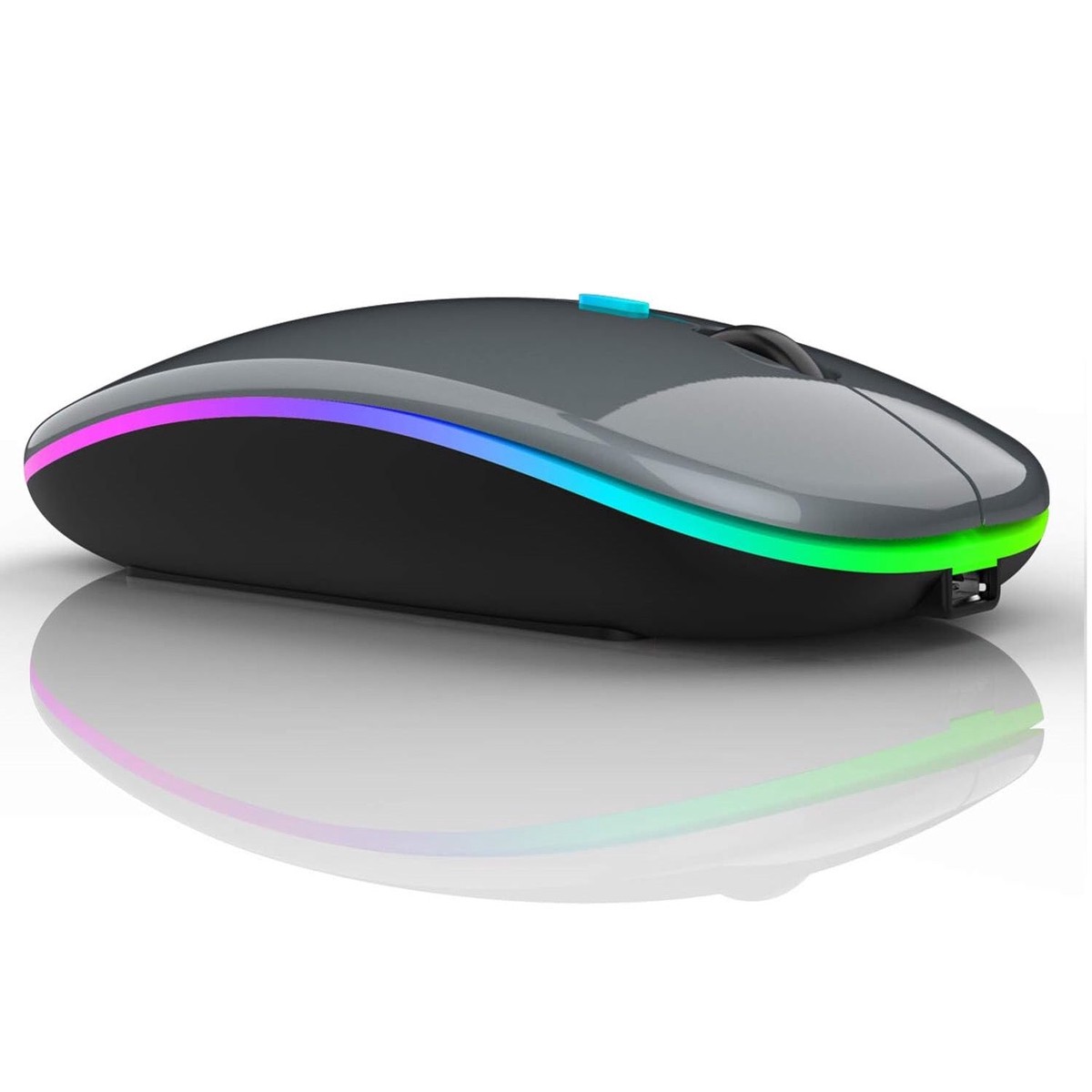
Neises Rechargeable Bluetooth Wireless Mouse | Dual Mode BT 5.1 + 2.4GHz | Silent Click | LED Backlight | Black
$29.95$23.96

NEW Lumafusion covers for theiPad MagicKeyboard Case.
(These do not fit theSmart Keyboard Please click here for Smart Covers.)
Lumafusion is simply the best video editing application for the iPhone and iPad, so we've created the best shortcut keyboard cover, in conjunction with LumaTouch.
Your brand new Lumafusion keyboard coverwill perfectly fit your iPad 'Magic Keyboard'like a glove, offering you protection and all of the shortcuts. It's time to turn your iPad into a full edit suite.
Note: These covers only fit the Magic keyboards and are NOT compatible with the Smart Keyboard folio.
The keyboard can be added or removed as many times as you like, can be washed and also doesn't negatively affect your typing, due to the precise shape of the cover.
Features
Your new cover works in the same way as other Editors Keys shortcut keyboard. Instead of tapping the iPad screen with your fingers, you'll be able to accelerate your editing by using keyboard shortcuts. A simple tap of a key will help you 'Mark in and Mark out' make edits and adjust your audio, all with just a single tap.
NEW Lumafusion covers for theiPad MagicKeyboard Case.
(These do not fit theSmart Keyboard Please click here for Smart Covers.)
Lumafusion is simply the best video editing application for the iPhone and iPad, so we’ve created the best shortcut keyboard cover, in conjunction with LumaTouch.
Your brand new Lumafusion keyboard coverwill perfectly fit your iPad ‘Magic Keyboard’like a glove, offering you protection and all of the shortcuts. It’s time to turn your iPad into a full edit suite.
Note: These covers only fit the Magic keyboards and are NOT compatible with the Smart Keyboard folio.
The keyboard can be added or removed as many times as you like, can be washed and also doesn’t negatively affect your typing, due to the precise shape of the cover.
Features
Your new cover works in the same way as other Editors Keys shortcut keyboard. Instead of tapping the iPad screen with your fingers, you’ll be able to accelerate your editing by using keyboard shortcuts. A simple tap of a key will help you ‘Mark in and Mark out’ make edits and adjust your audio, all with just a single tap.
There are no reviews yet. Be the first to review this product!


Add a review
Your email address will not be published. Required fields are marked *